
Research & market insights
Compare game ideas, inspect competitors and turn the findings into a brief for your project.
Direct a team of specialist AI agents from the first idea to a playable game. Research, build, test and create launch assets in one desktop workspace.
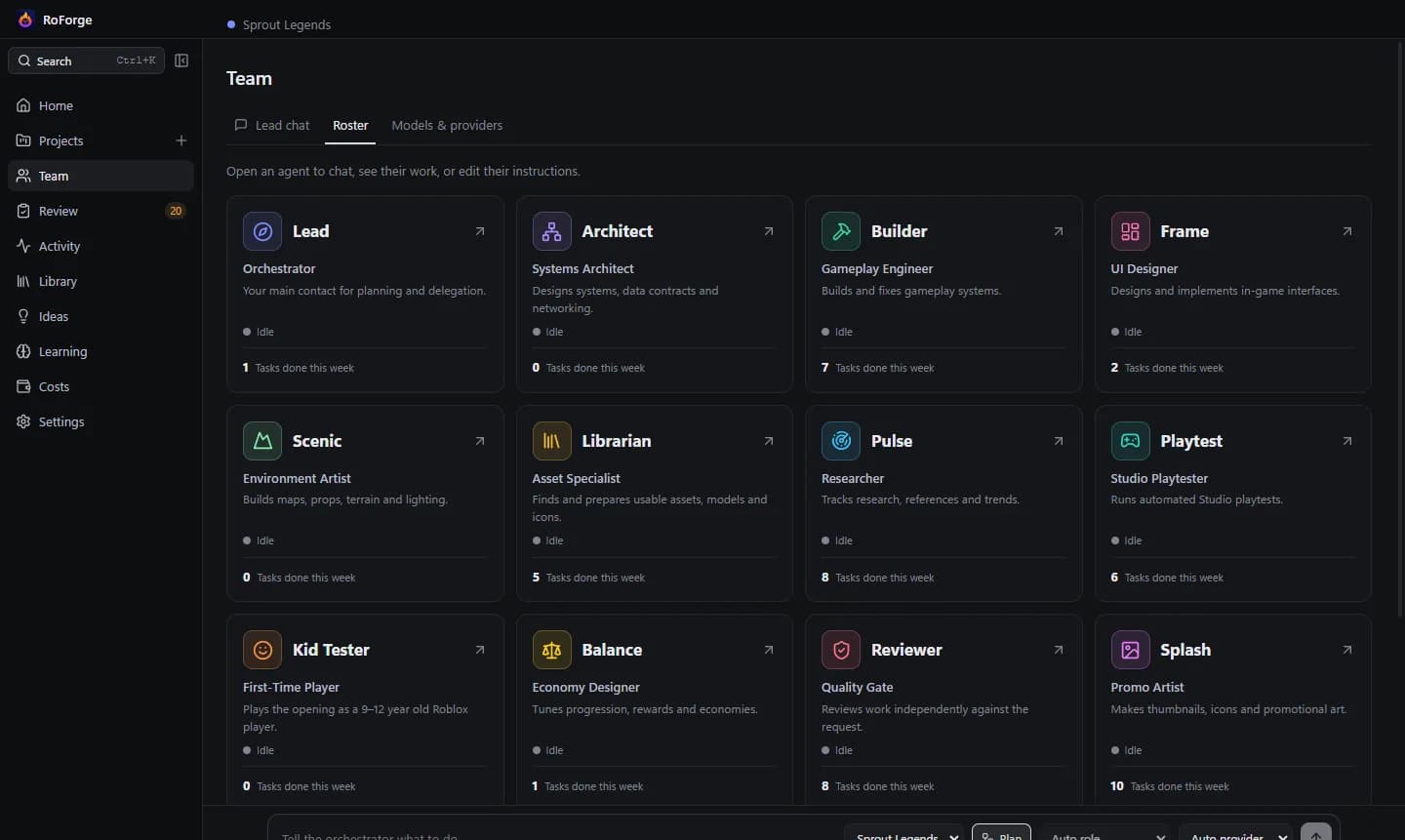
Use RoForge for a new game or bring an existing project. Your team works on the tasks you approve.
Compare game ideas, inspect competitors and turn the findings into a brief for your project.
Delegate planning, scripting, art and QA to agents that can work in parallel where the tasks allow.
Use Rojo and the Studio integration to build models, sync code and test gameplay in Studio.
Review changes before accepting them, run playtests and use snapshots to revisit previous work.
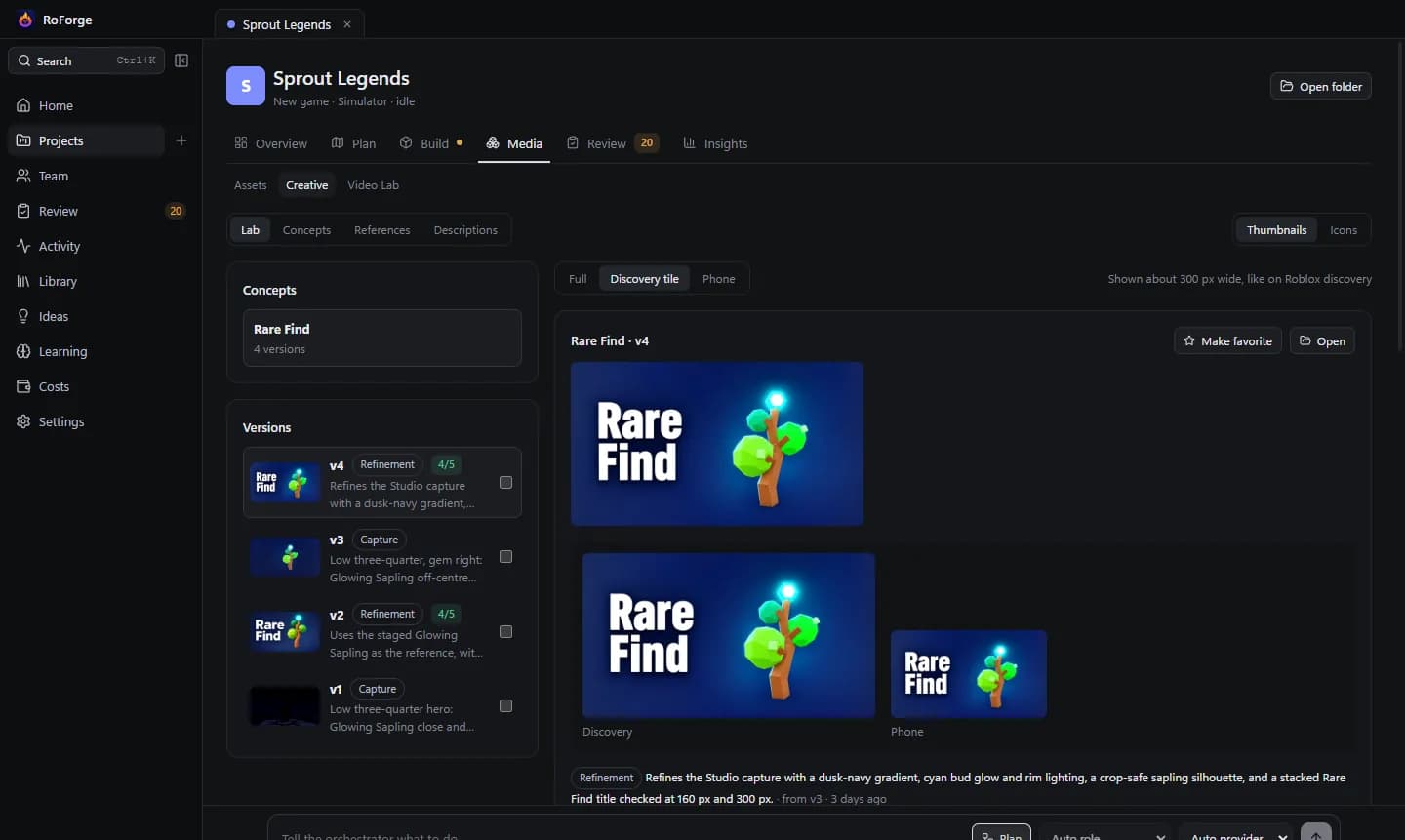
Organize game assets and compare thumbnail concepts, crops and variants for your launch.
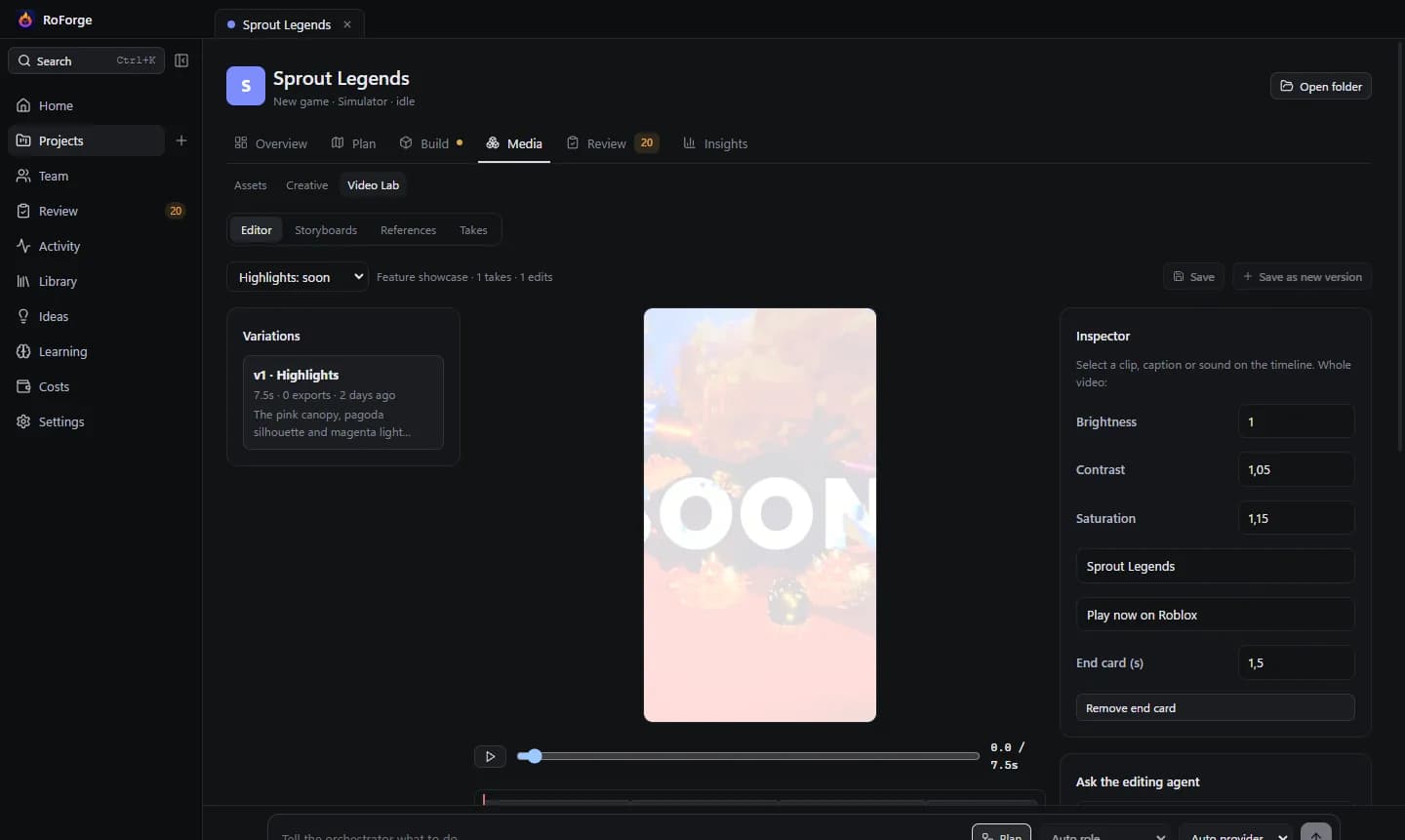
Plan shots, cut owned footage and assemble short videos to promote your game.
Give each task to a specialist. RoForge coordinates work and routes it through the agent tools you’ve set up.
Coordinates the plan and delegates work.
Implements gameplay systems and scripts.
Reviews the first-time player experience.
Develops thumbnails and promotional concepts.
Start with an idea or bring an existing project. The Lead turns your brief into tasks you can review and reprioritize.
RoForge routes independent tasks to the right agents. Follow progress and review changes as they come in.
Try a repeatable scenario in Roblox Studio, review findings and prioritize fixes for the next pass.
Choose a thumbnail, cut a short promo video and use your research to plan the next update.
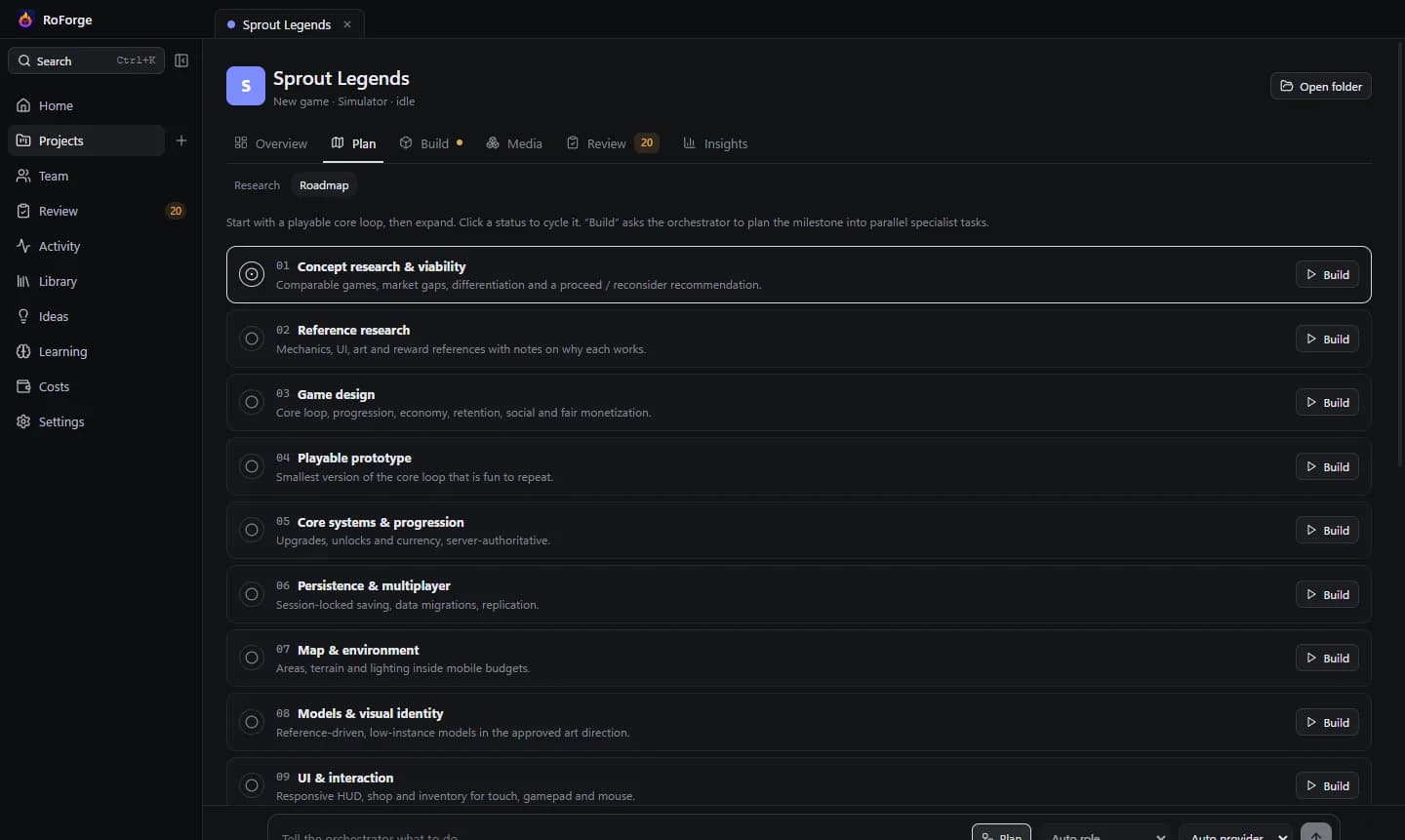
Screens from the Sprout Legends demo project.
Subscriptions for game research, scheduled tracking and promo video credits.
USD 5.00 / month
Research games, follow trends and create your first clips.
USD 10.00 / month
Track more games and follow changes throughout the day.
The desktop app runs on Windows. Install Node.js 20 or later, Git for Windows and at least one supported agent CLI. Install Roblox Studio, Rojo and the Studio integration for Studio workflows.
Yes. Open an existing workspace and use targeted tasks for new features, playtests, fixes or performance work.
RoForge can route tasks through installed Claude Code, Codex or OpenCode command-line tools. Their own accounts and usage limits apply.
The desktop app keeps your project workspaces on your computer. The web account and companion services have separate settings and consent.